View OBJ files online, free
OBJ files come out of 3D scanners, sculpting programs and model libraries. Drop one into your browser to check its shape and size before you print it or convert it.
Free
Free, no sign-up and no time limit. The file stays on your computer.
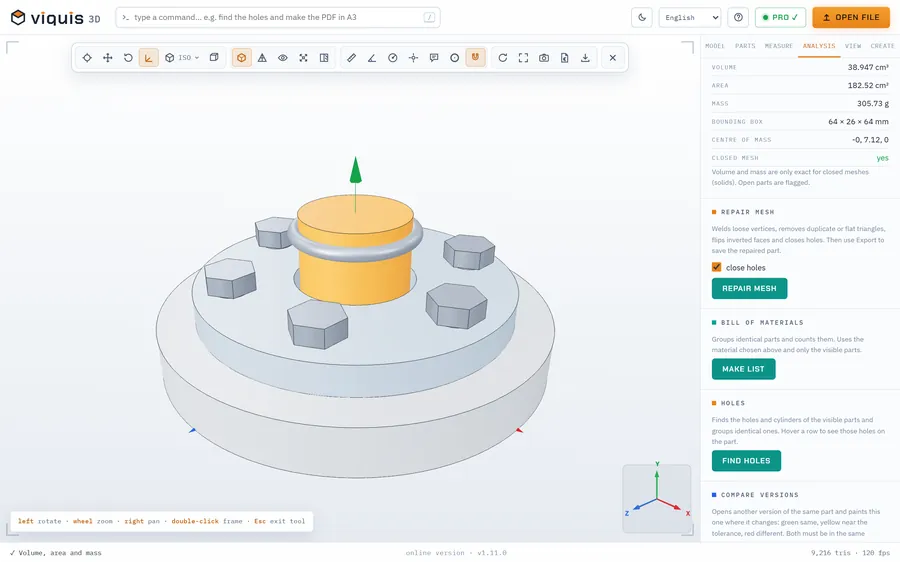
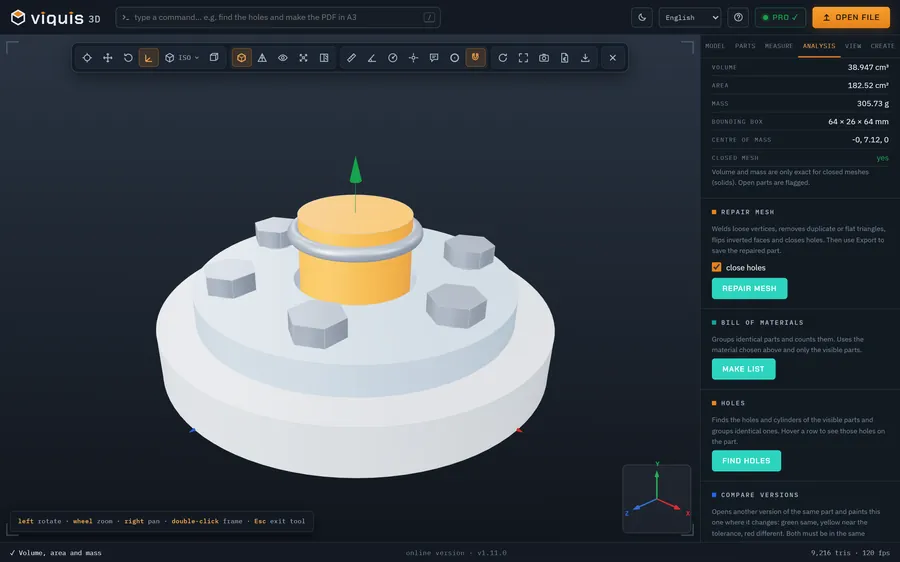
How it works
- 1
Click «Open an OBJ file». The app opens in its own tab.
- 2
Drop the .obj file onto the 3D area.
- 3
In the Model tab, choose the unit the file was made in: an OBJ does not store it.
- 4
Measure distances and coordinates by clicking on the model.
Why Viquis 3D
- Shows the shape in a neutral grey, so the surface reads clearly.
- Shows the dimensions and the triangle count as soon as it opens.
- Top, front and side views, edges, wireframe and X-ray.
- Nothing leaves your computer.
Questions
Why does my model show no colours or textures?
Viquis 3D reads the geometry of the OBJ. Colours and textures live in separate files (.mtl and images), which are not loaded.
The model looks far too big or too small. Why?
OBJ files carry no unit. Choose millimetres, centimetres, metres, inches or feet in the Model tab and the dimensions are recalculated.
Can I convert an OBJ to STL?
Yes, with Viquis Pro: open the OBJ and choose Export → STL. Viewing the file is free.
Try it now
The app opens in its own tab with a sample assembly. Drop your file on top of it.
Opens in its own tab. Free; Pro is activated inside the app with your key.
More tools
STEP viewer
Open STEP and STP files in your browser, see the assembly parts and measure.
See the tool FreeSTL viewer
View STL, 3MF and OBJ files in 3D and measure them, with nothing to install.
See the tool FreeIGES viewer
Open IGES and IGS files in your browser, see the model in 3D and measure.
See the tool Free3MF viewer
Open 3MF files and Bambu Studio or OrcaSlicer projects in 3D and measure them.
See the tool