Opens in its own tab. Free; Pro is activated inside the app with your key.
No sign-up. Your files never leave your computer.
01
Measure
Real measurements, no CAD program needed.
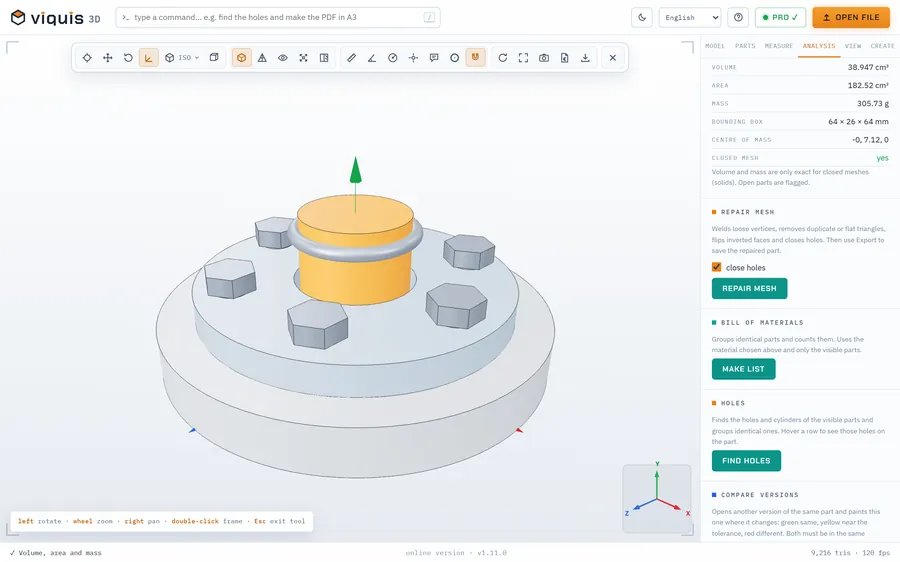
Distances, coordinates, angles, radii and diameters that snap to vertices. Volume, area, mass in 15 materials and centre of mass.
02
Section
See what's inside.
A section plane in X, Y or Z that you drag by hand. The inside shows up in orange, like a part cut on the workbench.
03
Explode
Take the assembly apart in one move.
Exploded view, bill of materials with quantities and masses, parts isolated, hidden or see-through. All of it to Excel.
04
Holes
Every hole, found on its own.
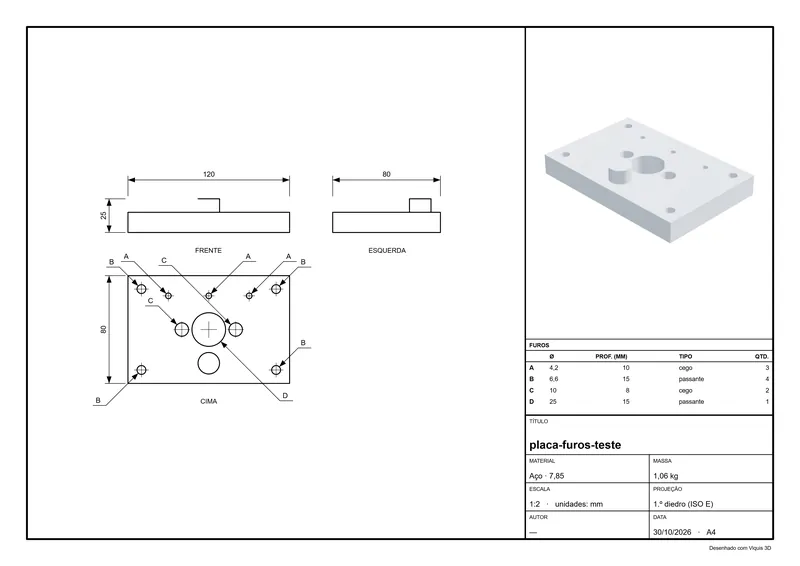
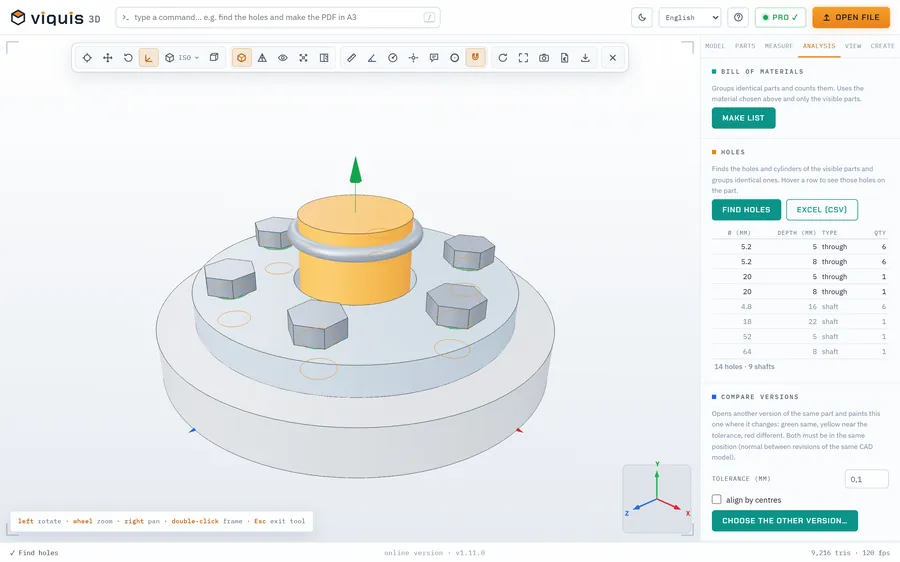
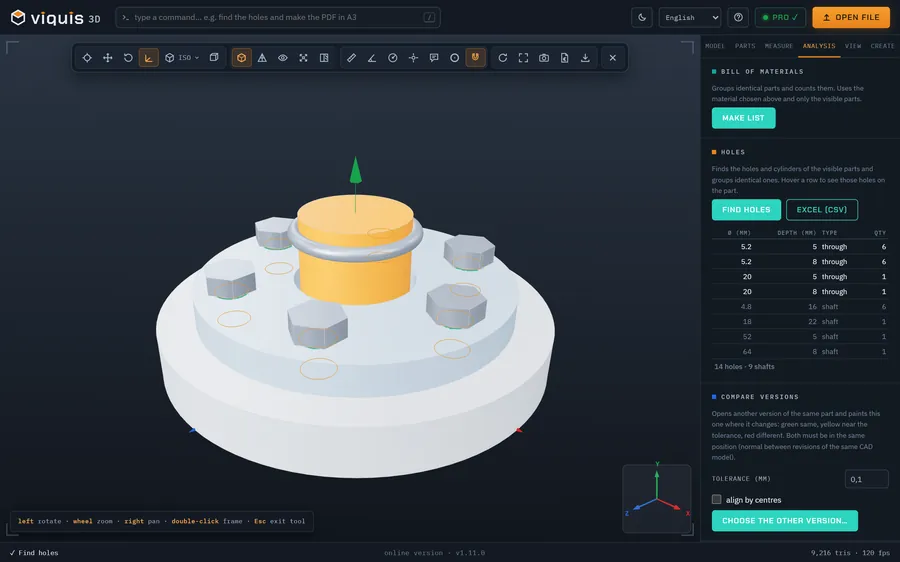
Diameter, depth, through or blind, and how many times each repeats. Dimensioned on the PDF technical drawing, ready for the shop floor.
05
Print
Ready for the printer before you switch it on.
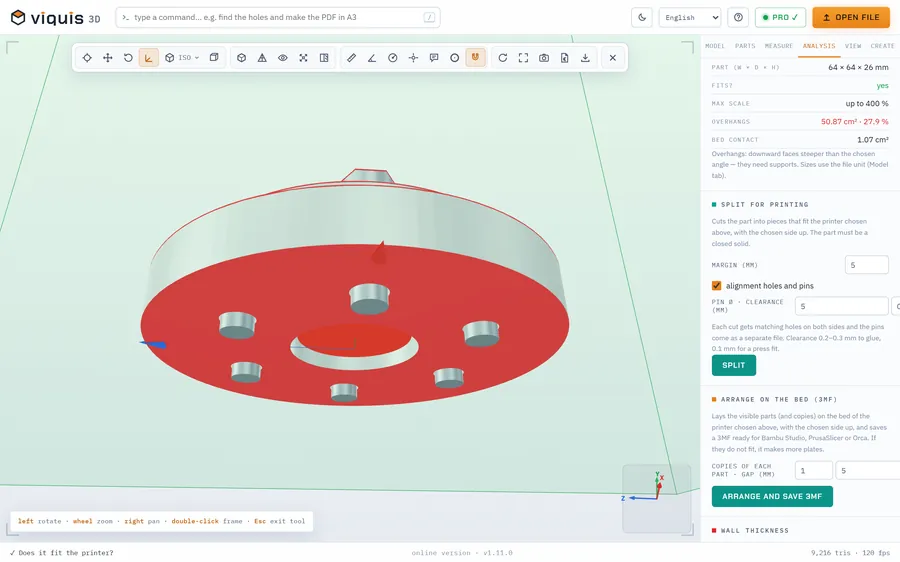
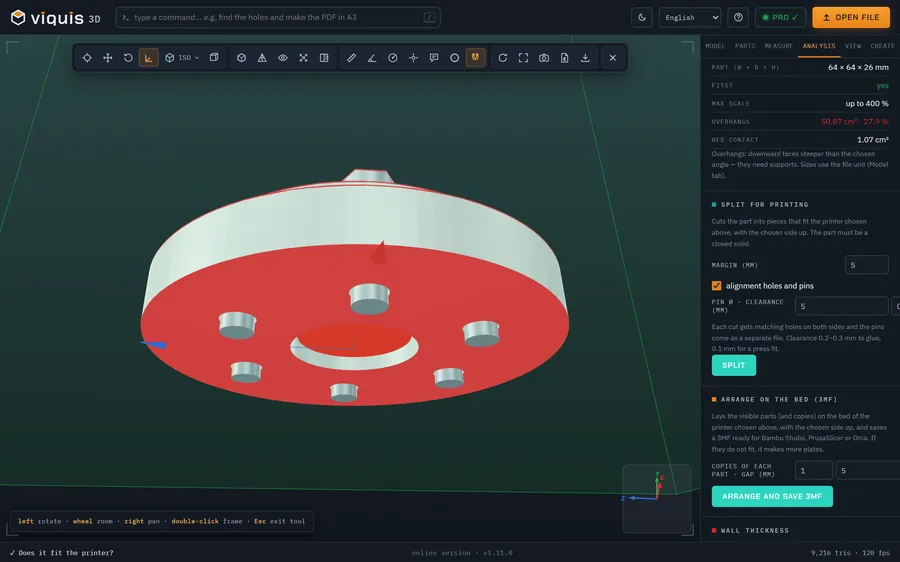
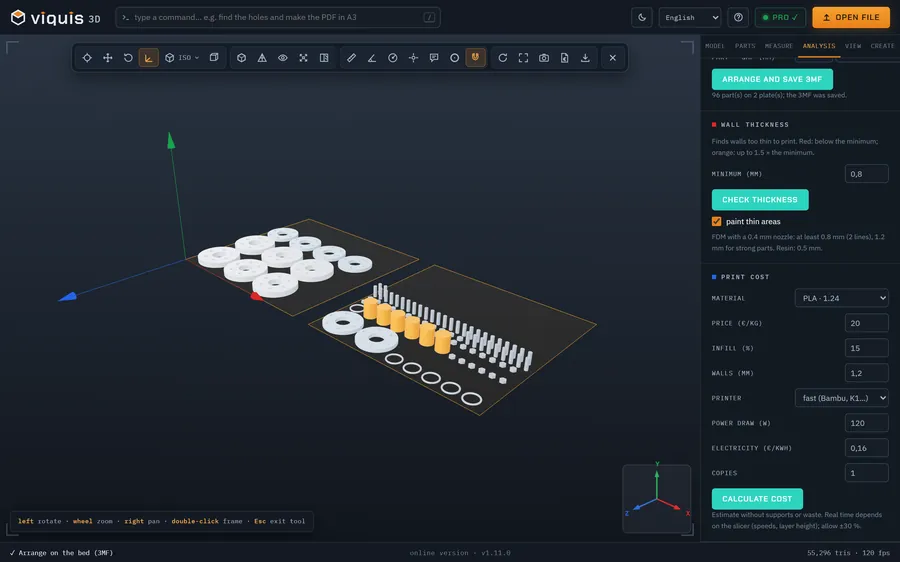
Does it fit the bed? Where does it need supports? What's the best orientation? Cost, time, splitting into parts with alignment pins and a 3MF laid out on the bed.
Everything in one window.
The same app in the browser and on Windows: open the file, pick the tab and get to work. Nothing to set up.
viquis.com/app
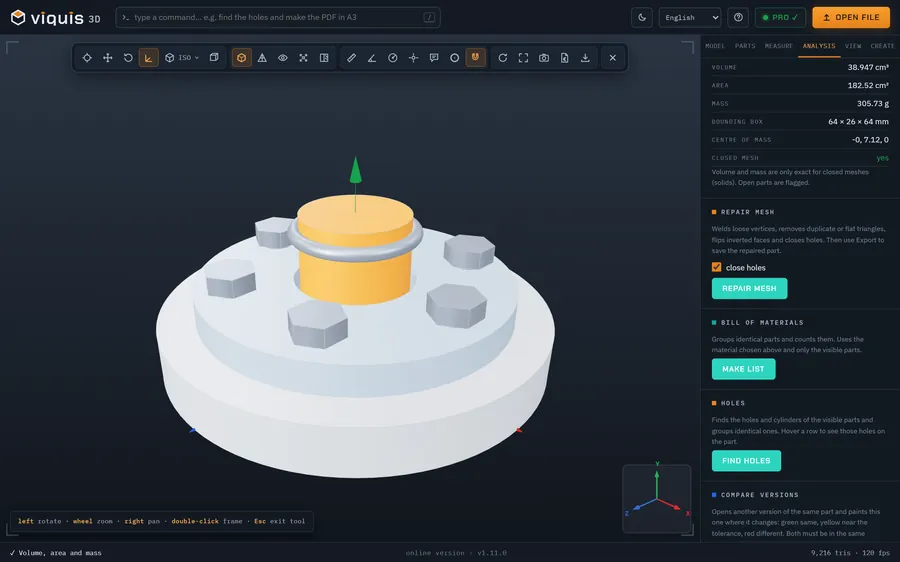
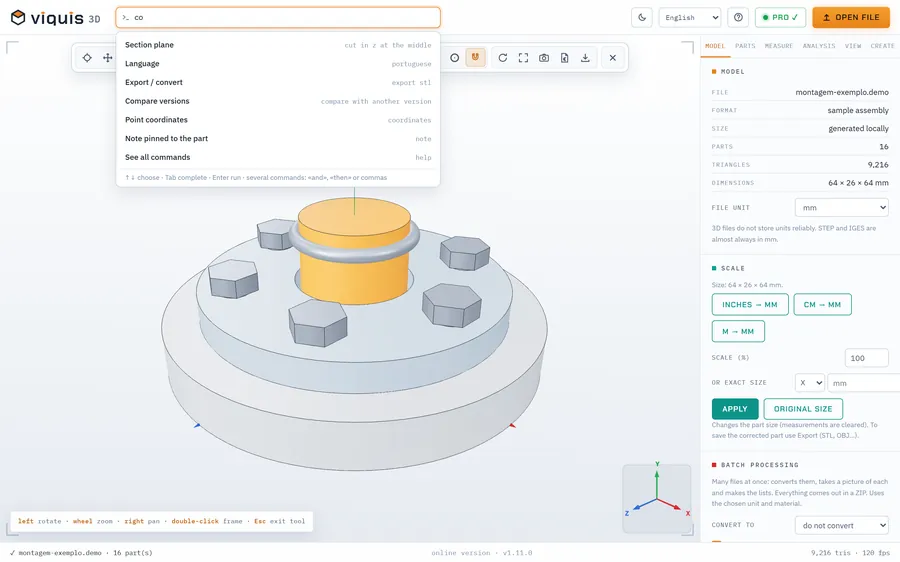
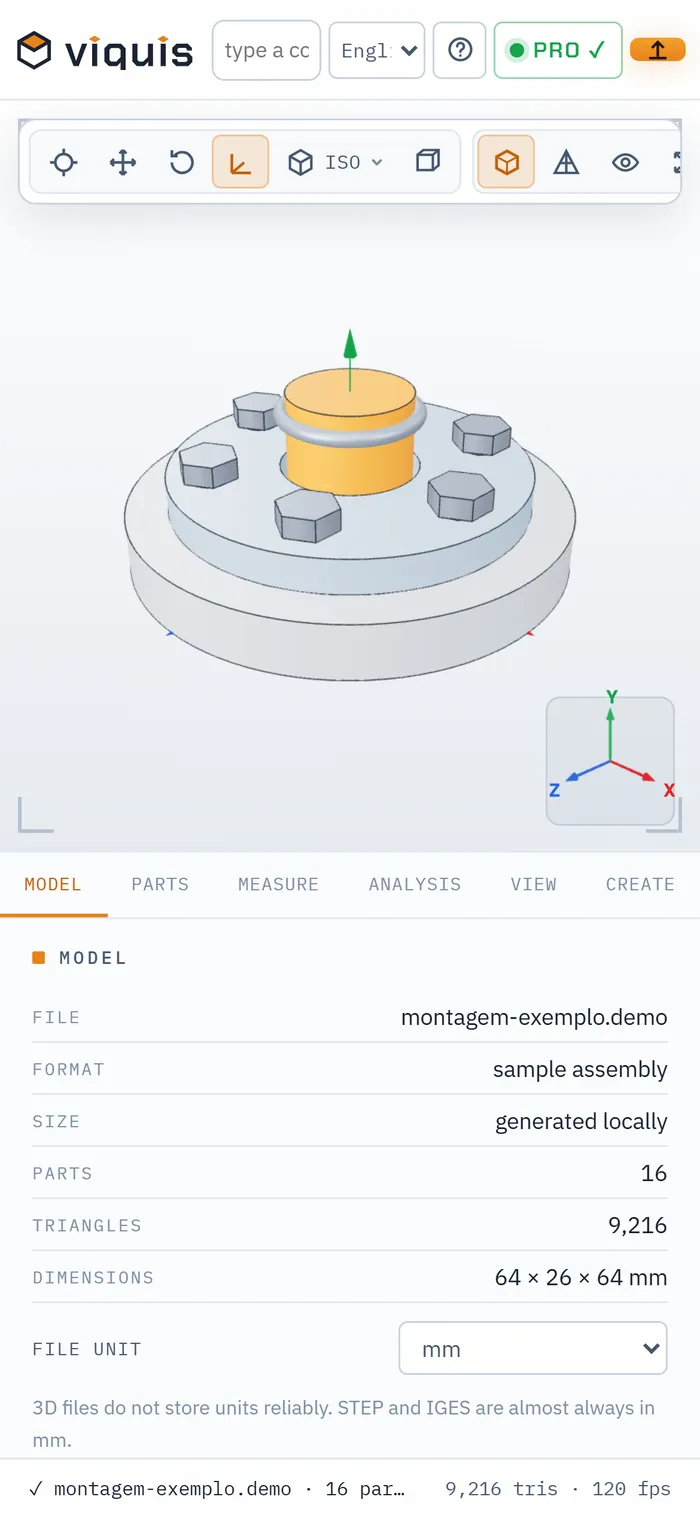
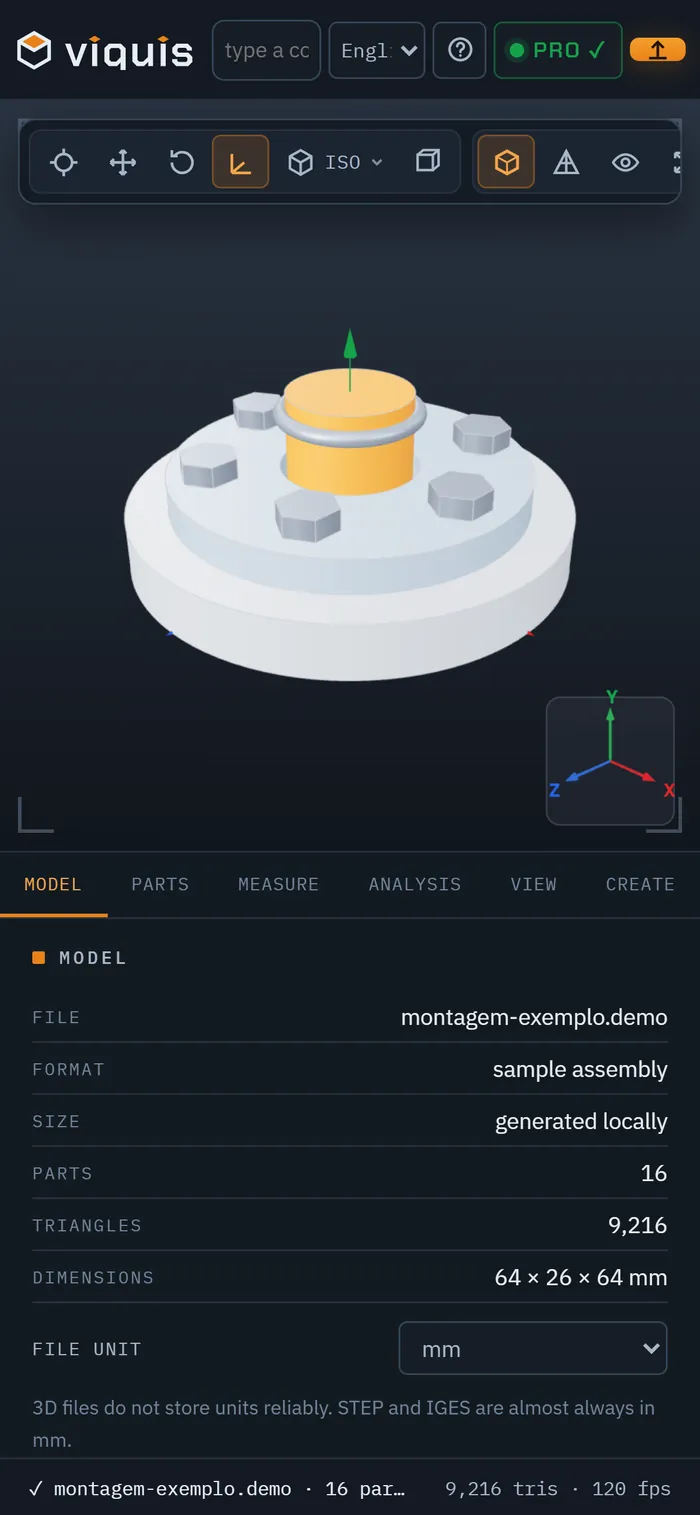
Viquis 3D with the sample assembly: volume, area and mass in steel.
From model to document.
The tools that usually live in three different programs.
Technical drawing as PDF
First-angle views, overall dimensions, your own measurements, hole table, perspective and title block. A4 or A3.
Quotes for parts
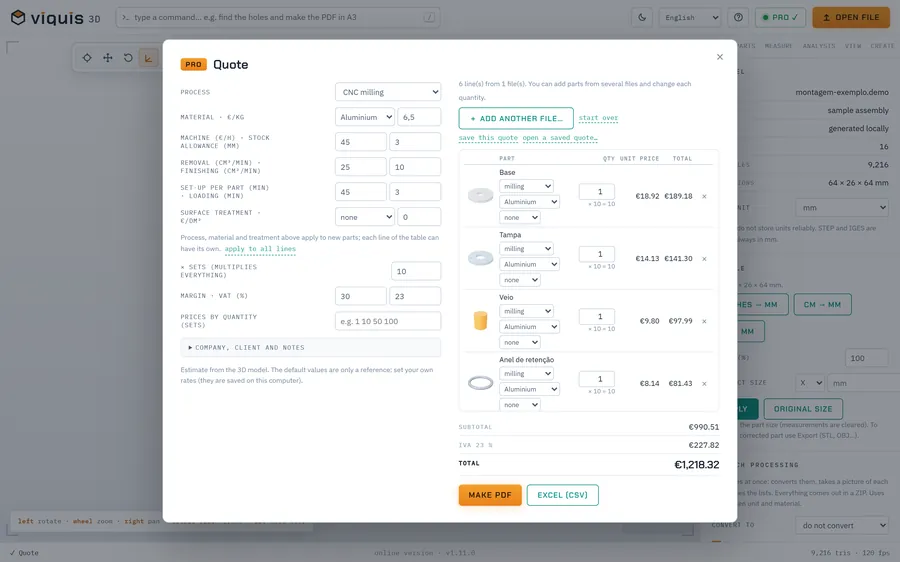
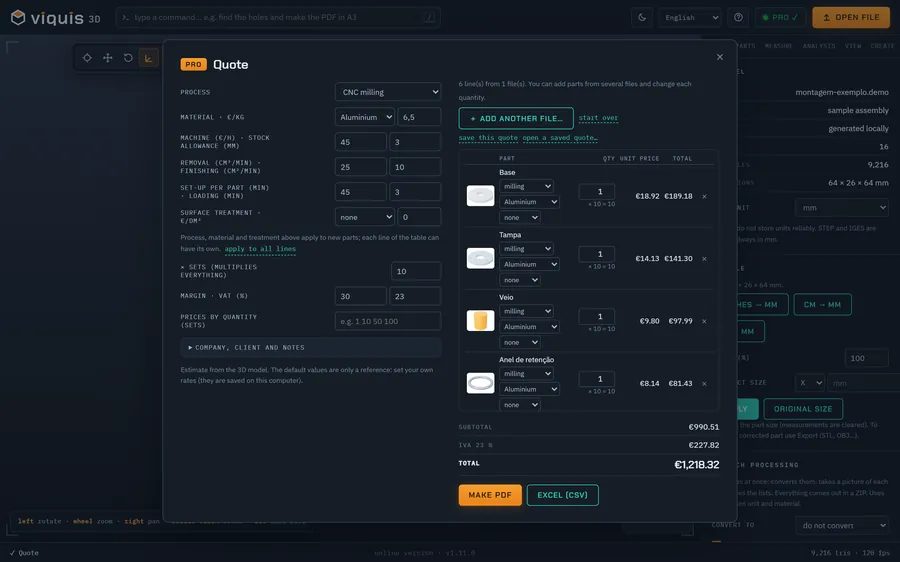
3D printing, milling, turning and laser cutting with your own rates. PDF with your logo and quantity pricing.
Hole recognition
A list with Ø, depth, type and count. Hover a row and those holes light up on the part.
3D printing
22 printers, overhangs in red in real time, best orientation and the machine's build volume around the part.
Type what you want
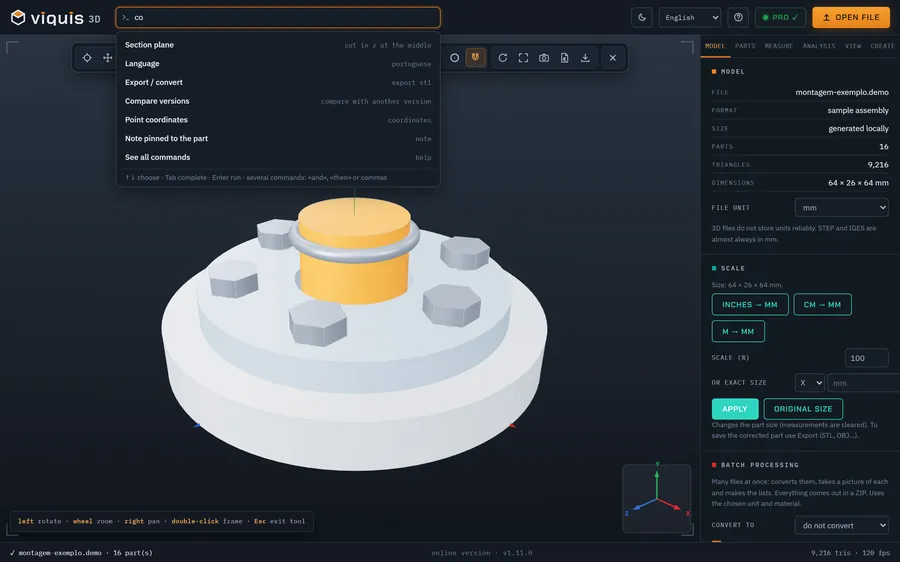
“Find the holes and make the PDF in A3”. The command box understands orders in 15 languages.
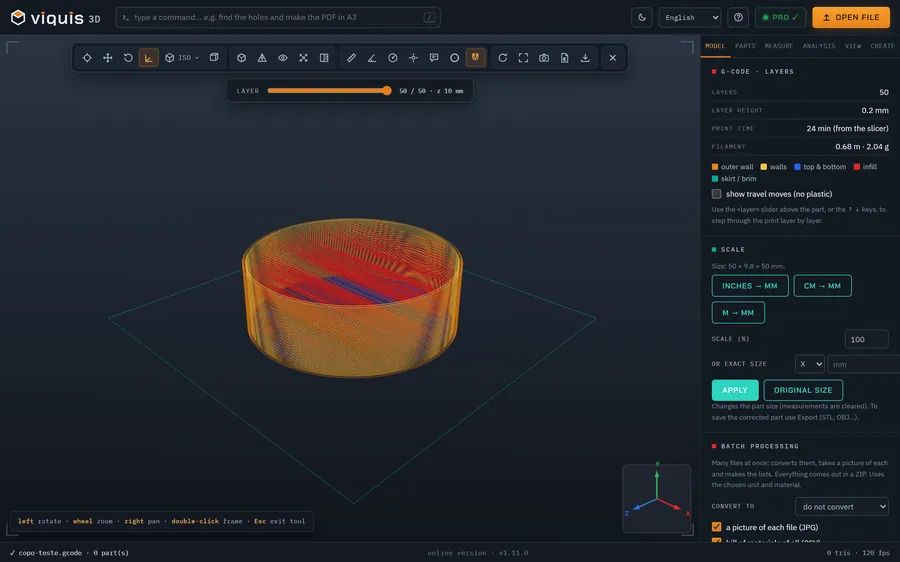
G-code layer by layer
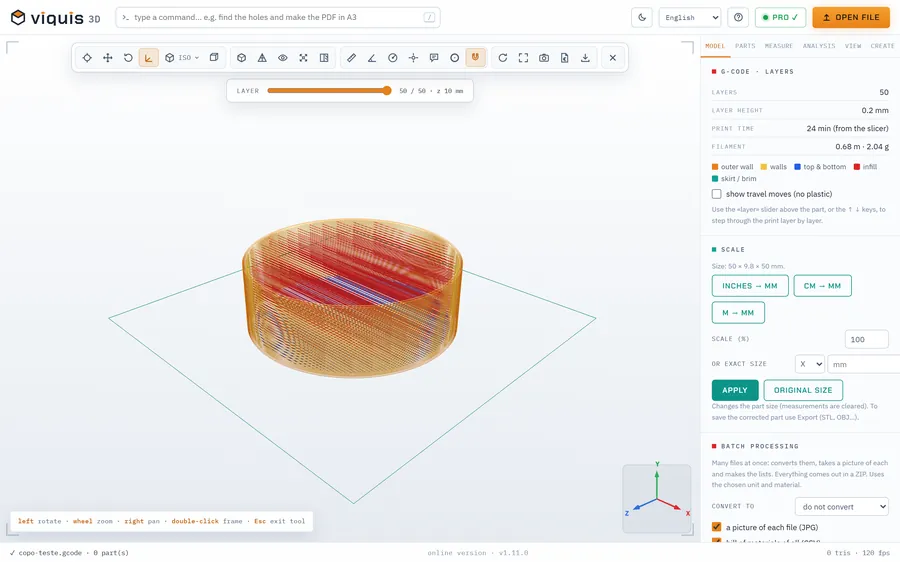
See the print before printing: line types, time and filament from PrusaSlicer, Cura, Bambu and Orca.
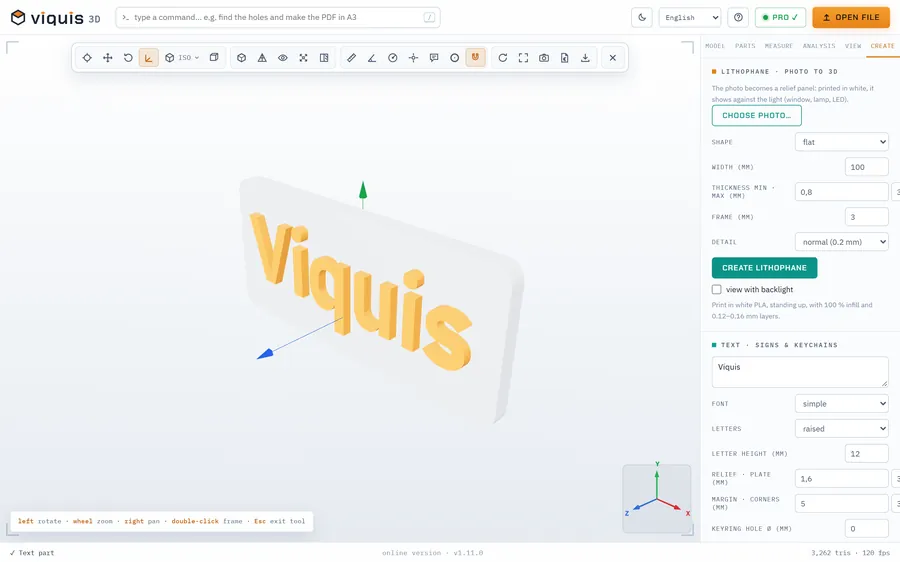
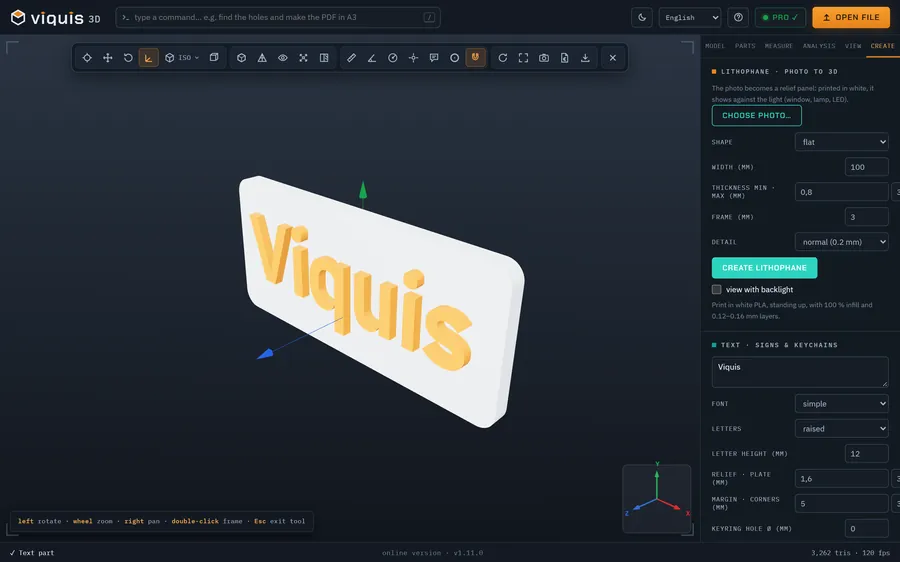
Create from scratch
Text, signs, keychains, QR codes and lithophanes, ready to save as STL. Free.
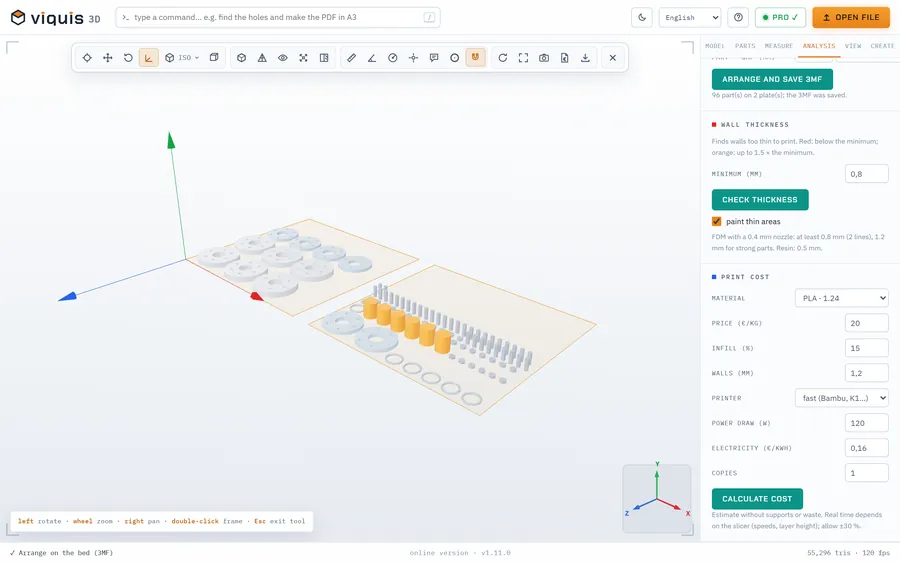
A tidy bed in 3MF
Several parts and copies laid out on the printer bed, in a 3MF that opens in PrusaSlicer and Bambu Studio.
Not even in the online version. The model is opened and calculated on your own computer. Nothing is uploaded, nothing is stored on servers. Your clients' drawings stay where they belong.