Open IGES files online, free
IGES is the older exchange format that many suppliers and machine shops still send. Drop the .igs into Viquis 3D and see it in 3D, without a CAD licence and without installing anything.
Free
Free, no sign-up and no time limit. The file stays on your computer.
How it works
- 1
Click «Open an IGES file». The app opens in its own tab.
- 2
Drop the .iges or .igs file onto the 3D area, or use Open file.
- 3
Wait while the surfaces are read: a bar shows the estimated time, and you can cancel.
- 4
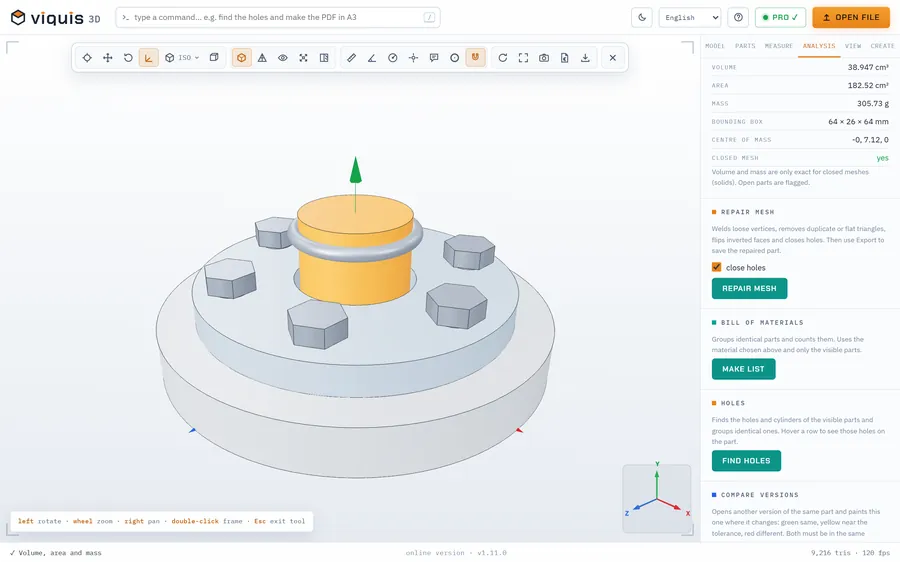
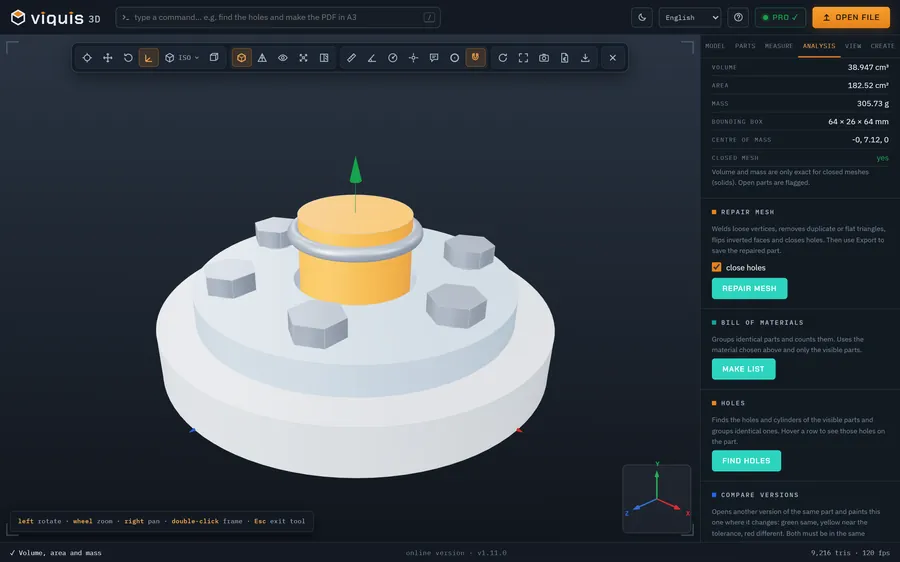
Rotate, pick the views and measure distances right on the model.
Why Viquis 3D
- Reads IGES with the OpenCASCADE engine, the same one used for STEP and BREP.
- Files up to about 60 MB open comfortably in the browser; the installed version handles more.
- Top, front and side views, edges, wireframe and X-ray.
- The file is read on your computer and never uploaded.
Questions
What is the difference between IGES and STEP?
Both carry CAD geometry from one program to another. IGES is older and usually holds loose surfaces; STEP is newer and keeps solids and the assembly structure. If you can choose, ask for STEP; if you were sent an IGES, it opens here just the same.
Can I convert the IGES to STL?
Yes, with Viquis Pro: open the IGES and choose Export → STL. Viewing the file is free.
Is my IGES file uploaded to a server?
No. It is opened and drawn on your computer, in the online version too.
Try it now
The app opens in its own tab with a sample assembly. Drop your file on top of it.
Opens in its own tab. Free; Pro is activated inside the app with your key.
More tools
STEP viewer
Open STEP and STP files in your browser, see the assembly parts and measure.
See the tool FreeSTL viewer
View STL, 3MF and OBJ files in 3D and measure them, with nothing to install.
See the tool Free3MF viewer
Open 3MF files and Bambu Studio or OrcaSlicer projects in 3D and measure them.
See the tool FreeOBJ viewer
View OBJ files in 3D in your browser, check their size and measure.
See the tool