Features
Everything Viquis 3D does, in the online and the desktop version. Free features have no time limit; Pro features are unlocked with a licence key.
Free Pro Free + Pro “Free + Pro”: the basics are free and the advanced options need Pro (for example, images without a watermark or measuring angles).
Open and view
Getting started
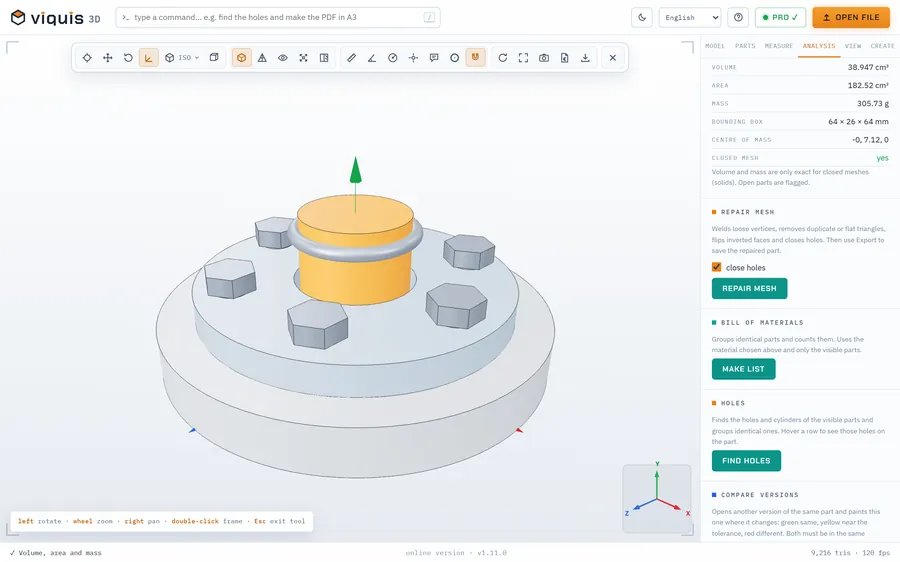
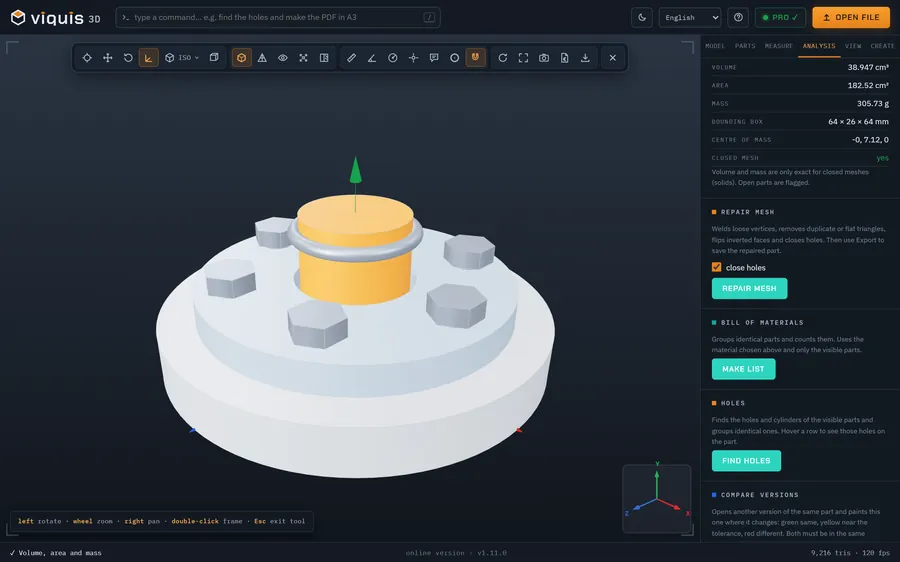
Open a model, rotate it and find the tools.
See the manual FreeOpening files and formats
What the program opens, and what to do with the formats it does not open.
See the manual FreeRotating, views and display modes
Move around the part and change how it is drawn.
See the manual Free + ProParts: select, isolate, hide
Work with the parts of an assembly.
See the manual FreeScale and units
Fix a file that arrived too small or too large.
See the manualMeasure and show
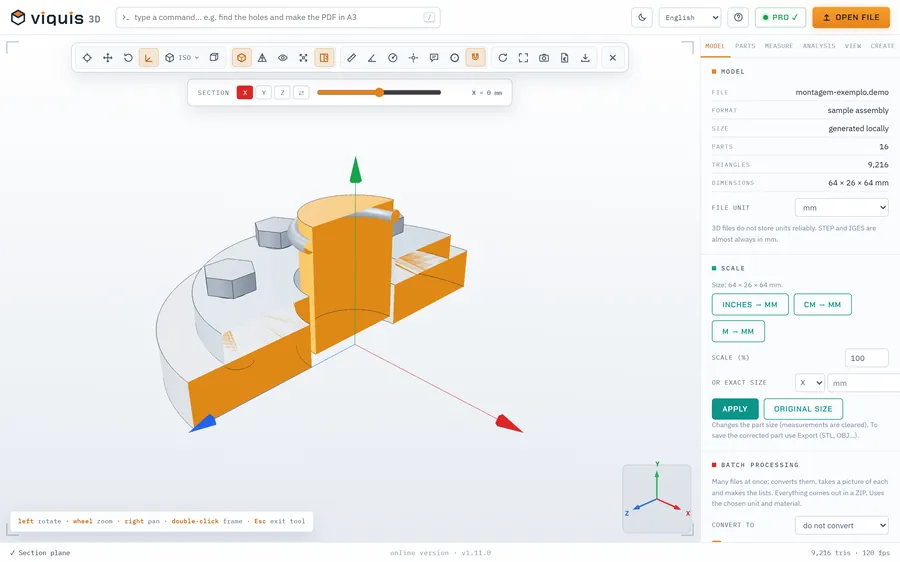
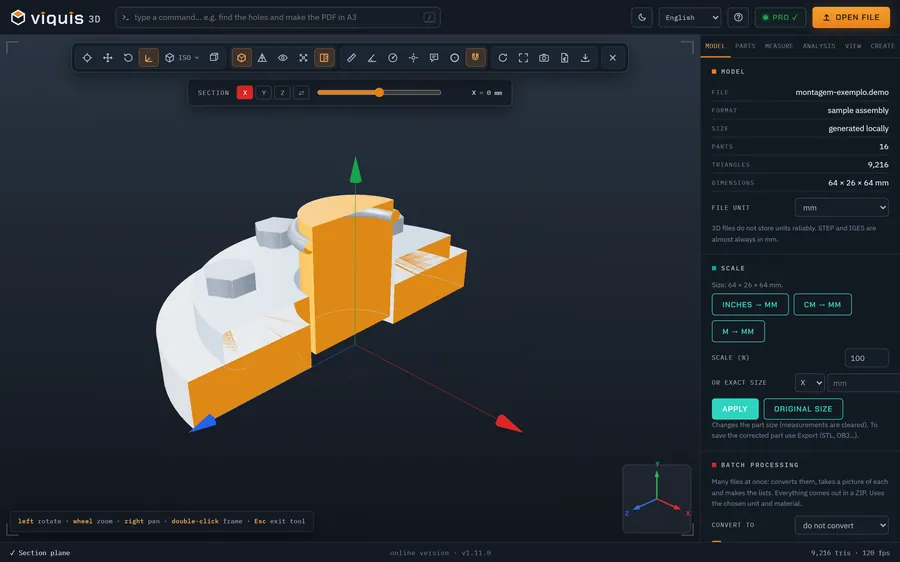
Measuring: distance, coordinates, angle, radius and notes
Measure directly on the model and keep the measurements.
See the manual FreeHighlight circles
Ring an area so that it shows in images and drawings.
See the manual ProSection plane
Cut the model to see the inside.
See the manual ProExploded view
Move the parts of an assembly apart.
See the manualAnalyse
Volume, area, mass and mesh
Calculate the volume, the mass by material and the centre of mass.
See the manual ProBill of materials (for Excel)
Group identical parts and count them.
See the manual ProAutomatic hole recognition
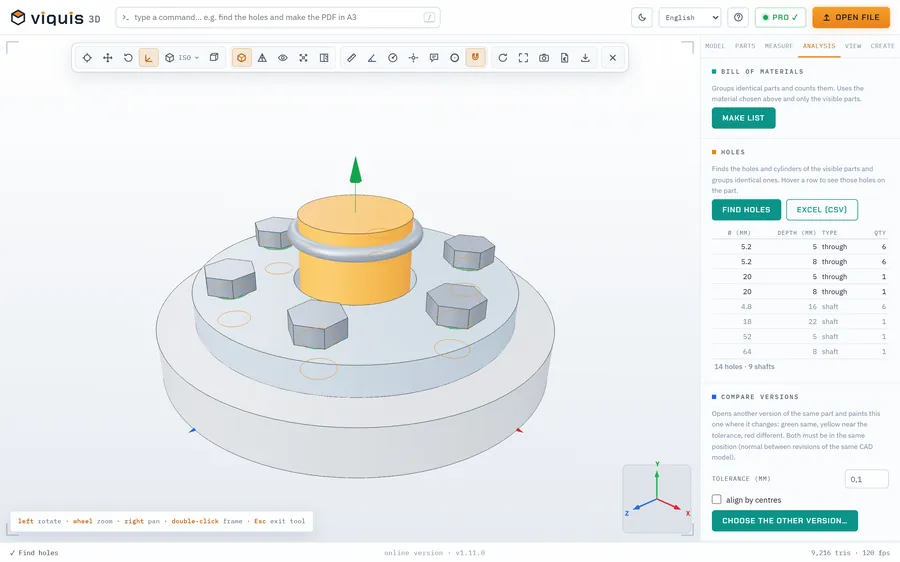
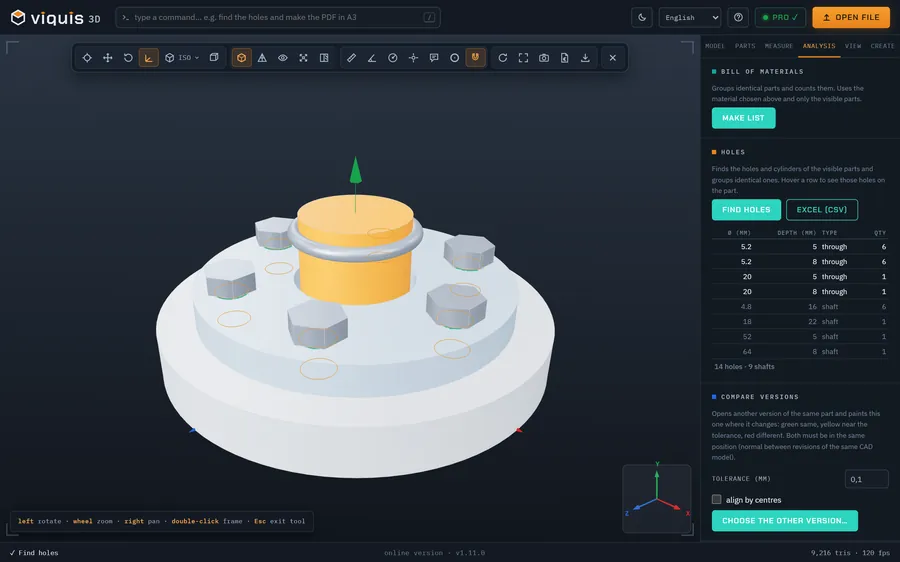
Find holes and shafts, with diameter and depth.
See the manual ProCompare versions
See where two versions of the same part differ.
See the manual ProWall thickness
Find walls that are too thin to print.
See the manual ProRepair mesh
Fix inverted faces, duplicate triangles and holes in the mesh.
See the manual3D printing
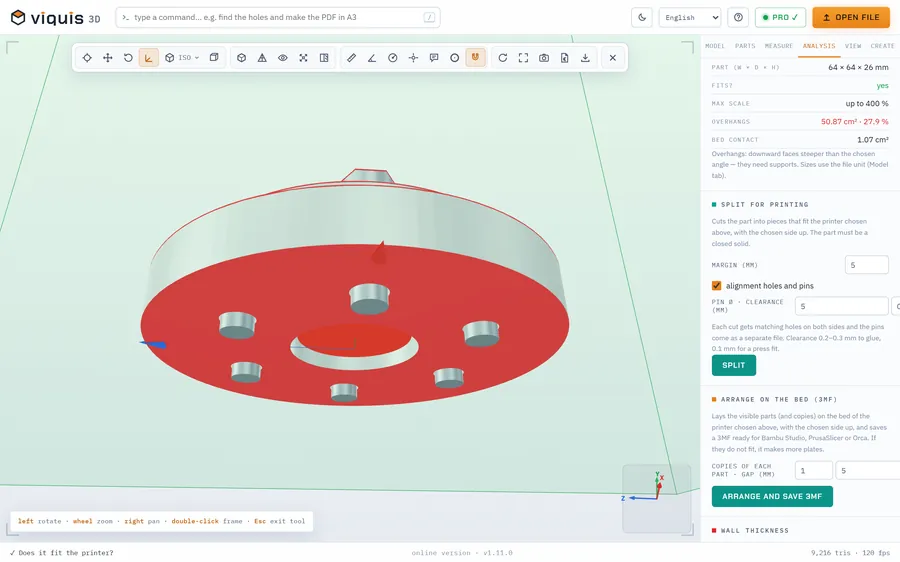
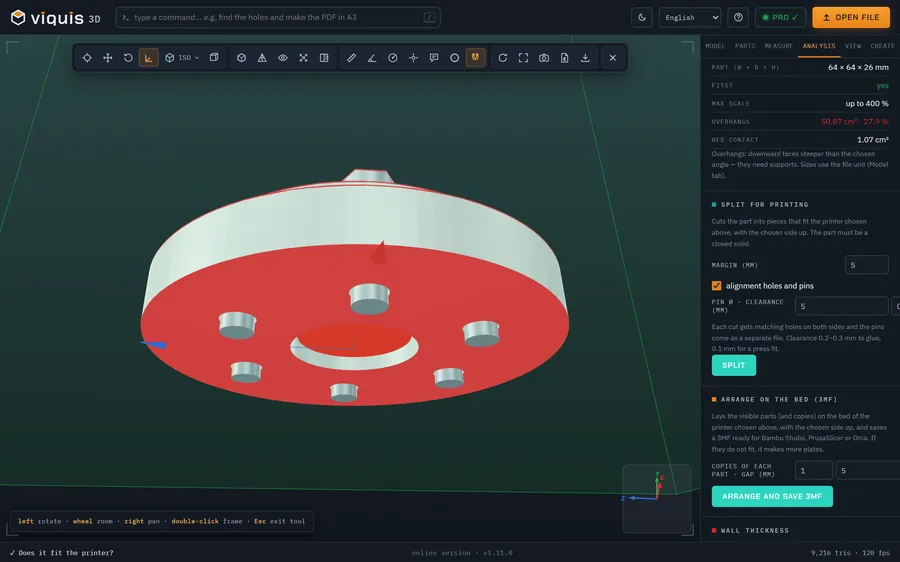
3D printing: fit, overhangs, best orientation
Check whether the part fits the printer and where it needs supports.
See the manual ProPrint cost
Estimate grams, time and cost of a print.
See the manual ProSplit for printing (with pins)
Cut a large part into pieces that fit the printer.
See the manual ProArrange on the bed and save 3MF
Lay several parts and copies on the printer bed and save a ready-to-print file.
See the manual FreeG-code layer by layer
See a print before you print it.
See the manualDocument and share
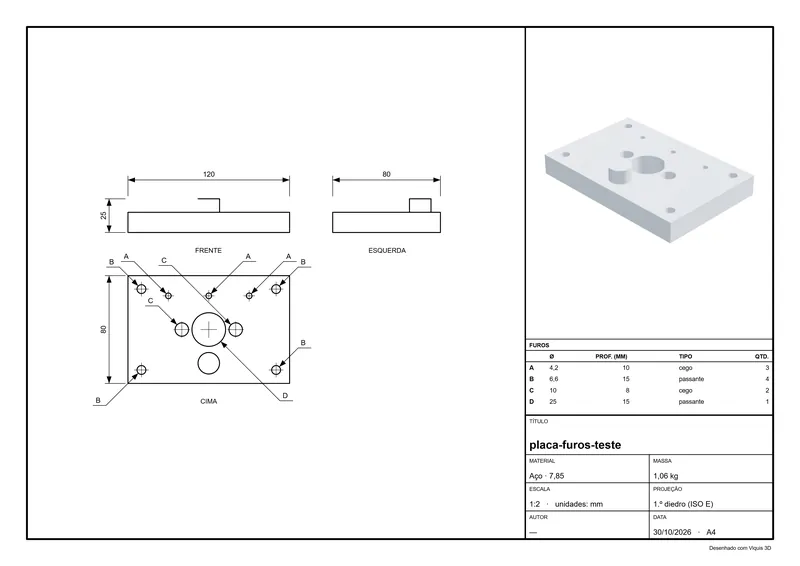
Technical drawing as PDF
A sheet with views, dimensions, perspective and a parts list.
See the manual ProQuote for parts
Calculate the price of parts for 3D printing, milling, turning or laser cutting, and make the PDF.
See the manual Free + ProImages, 7 views and video
Images for online shops, Etsy, Printables or to send to clients.
See the manual ProExport and convert
Convert the model to STL, GLB, OBJ, PLY or 3MF.
See the manual ProClient package (a single HTML file)
Send the model in 3D, with measurements and notes, without the client installing anything.
See the manual ProBatch processing
Convert and measure many files at once.
See the manualCreate
Work faster