Open 3MF files online, free
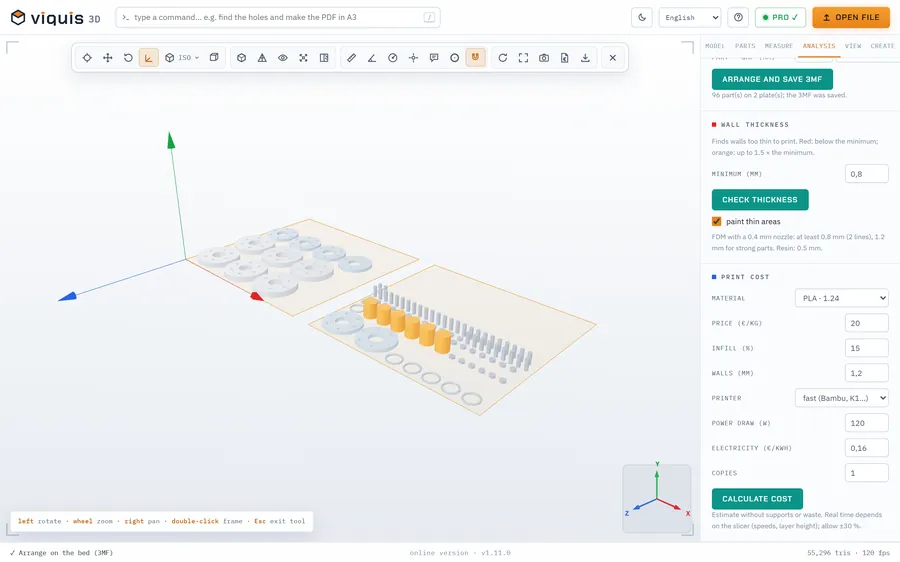
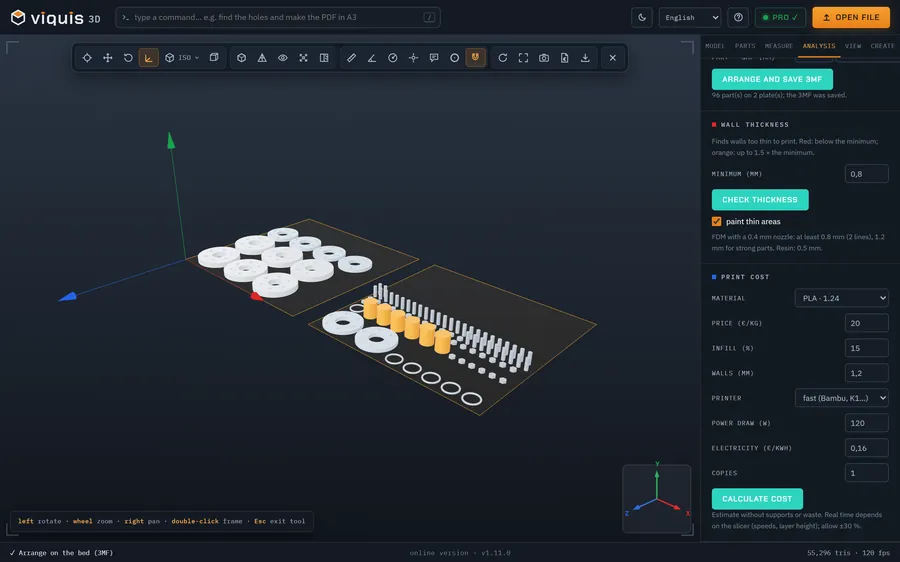
3MF is the format slicers save their projects in. Drop one into your browser to see what is inside before you print it or pass it on: the parts, their size and how many there are.
Free
Free, no sign-up and no time limit. The file stays on your computer.
How it works
- 1
Click «Open a 3MF file». The app opens in its own tab.
- 2
Drop the .3mf file onto the 3D area.
- 3
The Model tab shows the dimensions and the Parts tab lists each part of the project.
- 4
Measure distances and coordinates by clicking on a part.
Why Viquis 3D
- Reads the unit stored in the file (millimetres, inches, centimetres…), so the sizes come out right.
- Opens Bambu Studio and OrcaSlicer projects with several parts.
- Hide a part, isolate it or make the others see-through to look at one at a time.
- Nothing leaves your computer.
Questions
Does it show the print settings saved in the project?
No. It shows the 3D parts and their sizes. Layer height, supports and the other slicer settings stay in the slicer.
What is the difference between 3MF and STL?
An STL holds a single mesh and no unit. A 3MF can hold several parts and the unit in one file, which is why slicers prefer it.
Can I convert a 3MF to STL?
Yes, with Viquis Pro: open the 3MF and choose Export → STL. Viewing the file is free.
Try it now
The app opens in its own tab with a sample assembly. Drop your file on top of it.
Opens in its own tab. Free; Pro is activated inside the app with your key.
More tools
STEP viewer
Open STEP and STP files in your browser, see the assembly parts and measure.
See the tool FreeSTL viewer
View STL, 3MF and OBJ files in 3D and measure them, with nothing to install.
See the tool FreeIGES viewer
Open IGES and IGS files in your browser, see the model in 3D and measure.
See the tool FreeOBJ viewer
View OBJ files in 3D in your browser, check their size and measure.
See the tool