View STL files online, free
Drop an STL into your browser and see it in 3D straight away, with the part's dimensions. Handy for checking a model before you print or send it.
Free
Free, no sign-up and no time limit. The file stays on your computer.
How it works
- 1
Click «Open an STL file». The app opens in its own tab.
- 2
Drop the STL, 3MF or OBJ file onto the 3D area.
- 3
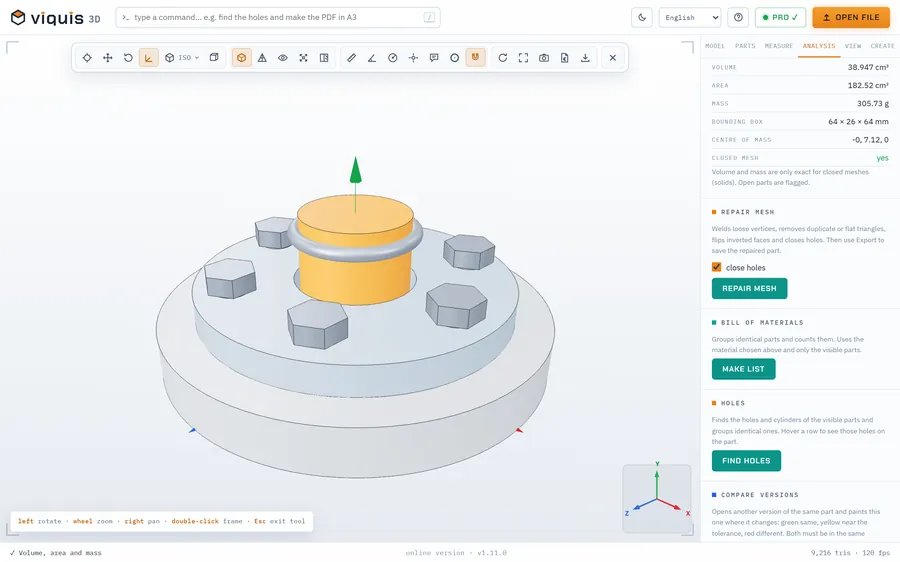
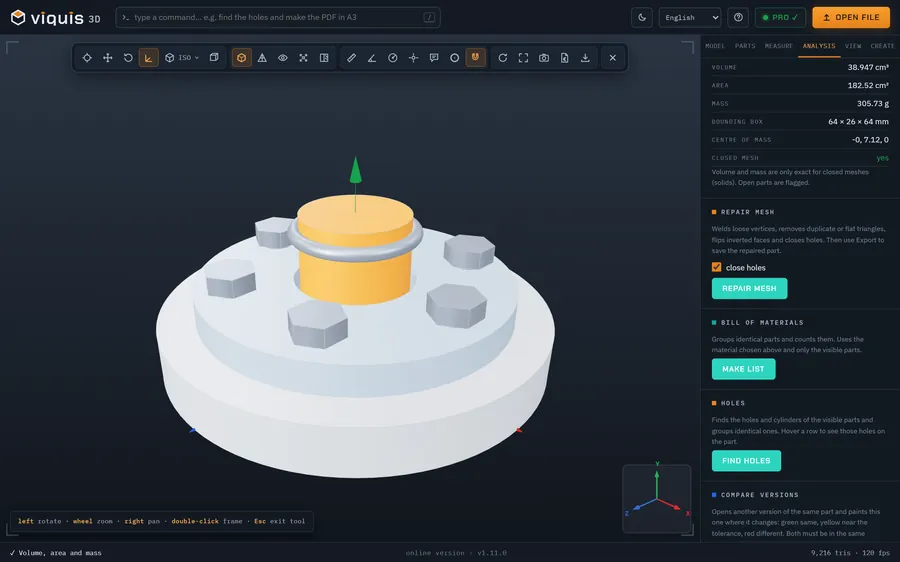
The Model tab shows the dimensions, the triangle count and the unit.
- 4
Measure distances and coordinates by clicking on the part.
Why Viquis 3D
- Opens binary and ASCII STL files of hundreds of MB.
- Shows the part's dimensions as soon as it opens.
- Top, front and side views, edges, wireframe and X-ray.
- Nothing leaves your computer.
Questions
Is it really free?
Yes. Viewing, rotating and measuring are free, with no time limit.
How big can the STL be?
Meshes of hundreds of MB open fine; the absolute maximum is 1.5 GB.
Does it work on a phone?
Yes, in the browser of a phone or tablet, for small and medium files.
Try it now
The app opens in its own tab with a sample assembly. Drop your file on top of it.
Opens in its own tab. Free; Pro is activated inside the app with your key.
More tools
STEP viewer
Open STEP and STP files in your browser, see the assembly parts and measure.
See the tool FreeFix scale and units
STL came in 25.4 times too small? Convert inches, cm or m to mm.
See the tool FreeLithophane maker
Turn a photo into a relief panel that shows up against the light.
See the tool FreeText to STL
Signs, plates and keychains with text, ready to print.
See the tool