Viquis 3D for Windows.
The same Viquis 3D, as a program. Opens STEP, STL, 3MF and the other formats with a double-click, and works offline.
Version 1.12.0 · Windows 10 and 11, 64-bit · about 104 MB
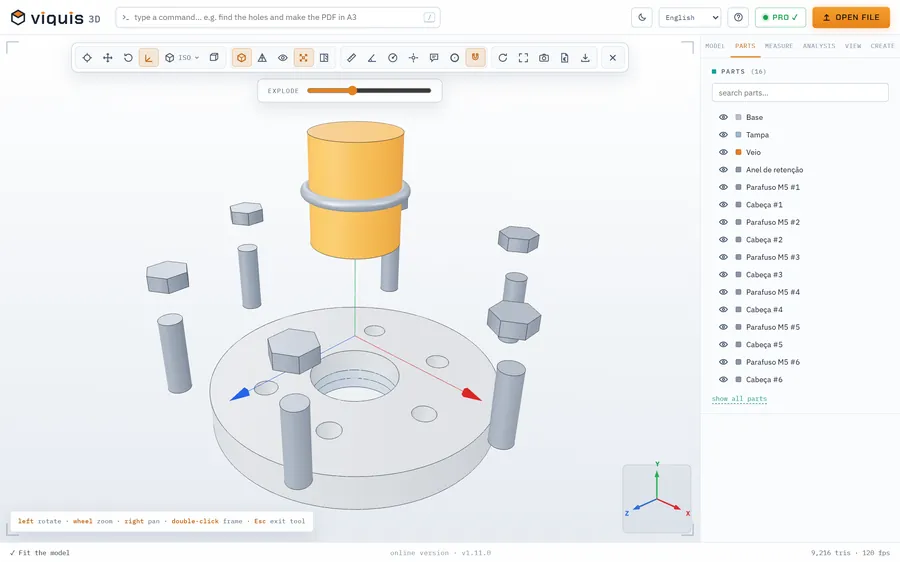
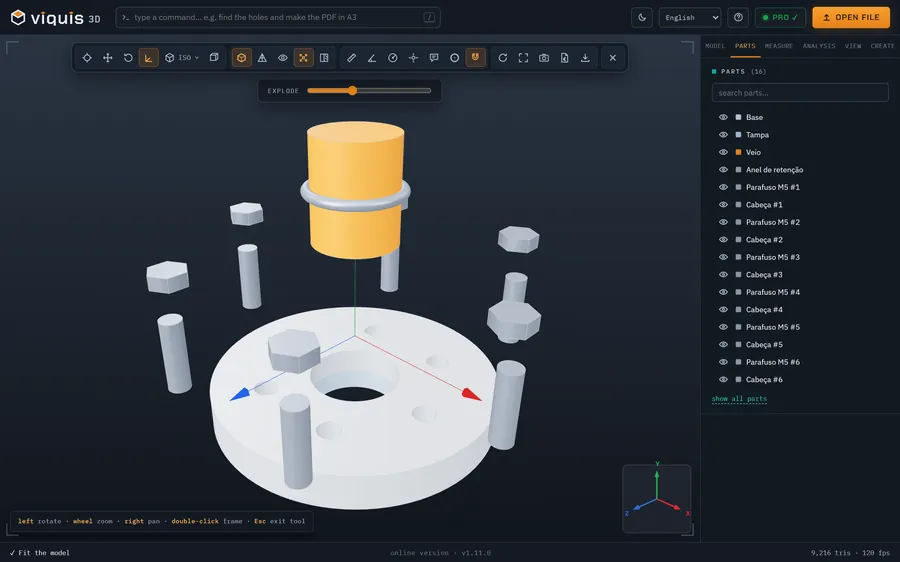
See what changed in each version
Install in 3 steps
- 1
Download the installer and open it.
- 2
If you see “Windows protected your PC”, click “More info” and then “Run anyway”. The warning appears because the installer doesn't have a paid digital signature yet.
- 3
Accept the licence and choose the folder. When it's done, STEP, STL and 3MF files open in Viquis 3D with a double-click.
What it needs
64-bit Windows 10 or 11, 8 GB of memory (16 GB recommended) and about 400 MB free. macOS and Linux: use the online version.
Rather not install?
The online version is the same app, in the browser.
Open the appOpens in its own tab. Free; Pro is activated inside the app with your key.