3D printable QR code
Type the address of your website, Wi-Fi or menu and the app makes a raised QR code, ready for your slicer.
Free
Free, no sign-up and no time limit. The file stays on your computer.
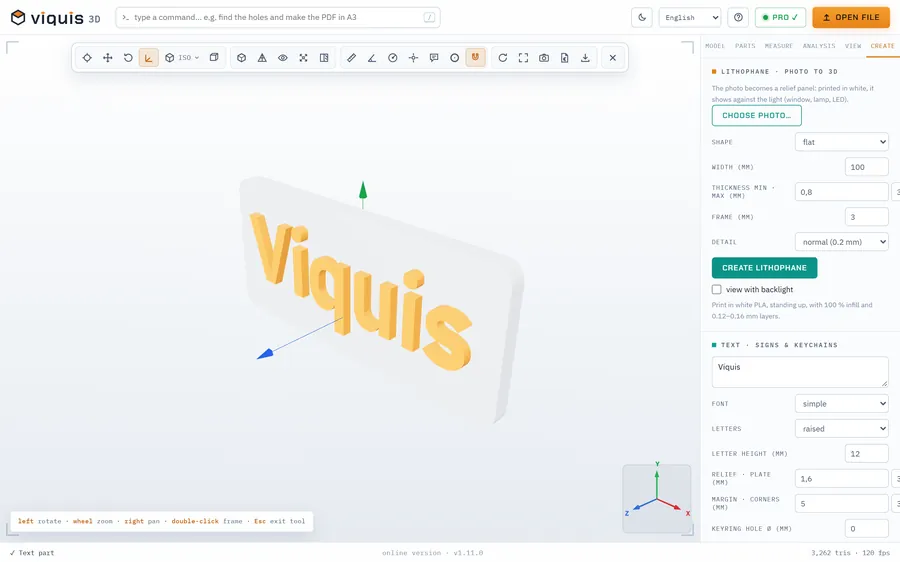
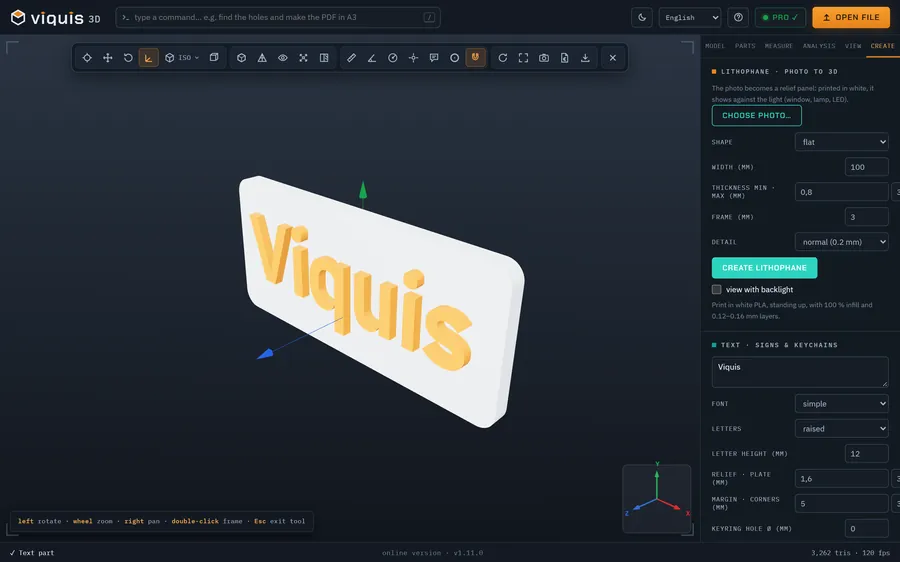
How it works
- 1
Click «Make a QR code»: the app opens on the Create tab.
- 2
Type the address or text.
- 3
Set the side in mm, the relief, the plate and the error correction.
- 4
Click Create QR code and then Save STL.
Why Viquis 3D
- Plate and relief at different heights, for a colour change.
- Adjustable error correction.
- Warns you when the squares get too small for your nozzle.
- Free, no sign-up.
Questions
How do I make it scannable?
Light plate and dark relief: change filament at the height the app shows.
What is the minimum size?
With a 0.4 mm nozzle each square should be at least 1 mm: make the side bigger or the text shorter.
Does the QR code expire?
No. It is a normal QR code, with no service in between.
Try it now
The app opens in its own tab with a sample assembly. Drop your file on top of it.
Opens in its own tab. Free; Pro is activated inside the app with your key.
More tools
STEP viewer
Open STEP and STP files in your browser, see the assembly parts and measure.
See the tool FreeSTL viewer
View STL, 3MF and OBJ files in 3D and measure them, with nothing to install.
See the tool FreeFix scale and units
STL came in 25.4 times too small? Convert inches, cm or m to mm.
See the tool FreeLithophane maker
Turn a photo into a relief panel that shows up against the light.
See the tool