Lithophane: from photo to STL
Pick a photo and the app makes a relief panel. Printed in white, the picture appears when you hold it against a window, lamp or LED.
Free
Free, no sign-up and no time limit. The file stays on your computer.
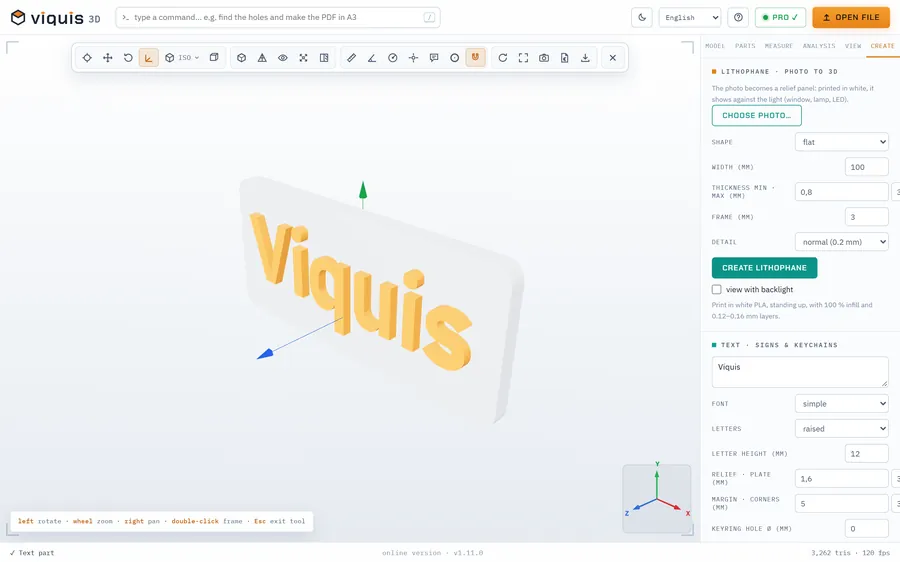
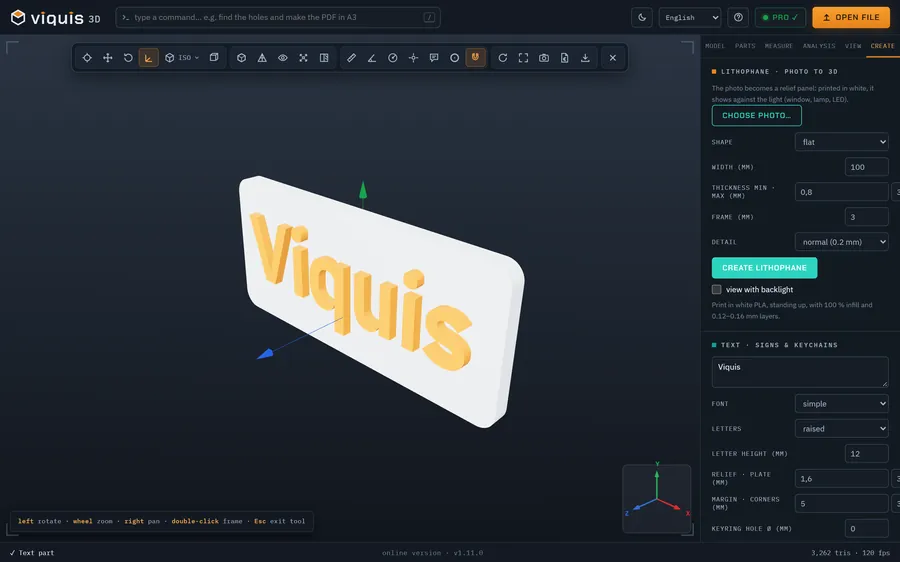
How it works
- 1
Click «Make a lithophane»: the app opens on the Create tab.
- 2
Choose the photo (or drop the image onto the 3D area).
- 3
Choose flat or curved, the width, the minimum and maximum thickness and the frame.
- 4
Click Create lithophane, see it with backlight and save the STL.
Why Viquis 3D
- Flat panel or curved at 120°.
- Backlit preview before you print.
- The photo stays on your computer.
- Free, no watermark.
Questions
How do I print a lithophane?
In white PLA, standing upright, with 100 % infill and 0.12 to 0.16 mm layers.
Which photos work best?
Photos with good contrast and large faces. Very dark backgrounds come out thick and heavy.
Does it cost anything?
No. Making the lithophane and saving the STL is free.
Try it now
The app opens in its own tab with a sample assembly. Drop your file on top of it.
Opens in its own tab. Free; Pro is activated inside the app with your key.
More tools
STEP viewer
Open STEP and STP files in your browser, see the assembly parts and measure.
See the tool FreeSTL viewer
View STL, 3MF and OBJ files in 3D and measure them, with nothing to install.
See the tool FreeFix scale and units
STL came in 25.4 times too small? Convert inches, cm or m to mm.
See the tool FreeText to STL
Signs, plates and keychains with text, ready to print.
See the tool