Open GLB and glTF files online, free
GLB is the format of 3D on the web: product models, scans and augmented-reality scenes. Drop one into your browser to see what is in it and how big it really is.
Free
Free, no sign-up and no time limit. The file stays on your computer.
How it works
- 1
Click «Open a GLB file». The app opens in its own tab.
- 2
Drop the .glb or .gltf file onto the 3D area.
- 3
In the Model tab, choose metres as the unit: glTF models are made in metres.
- 4
Rotate, see the list of parts and measure distances right on the model.
Why Viquis 3D
- Keeps the colours and the textures stored inside the file.
- Opens compressed models (Draco and Meshopt), like the ones downloaded from model libraries.
- Never fetches anything from the internet: a texture that points to a web address is left out.
- Nothing leaves your computer.
Questions
What is the difference between GLB and glTF?
They are the same format. A .glb is a single file with everything inside; a .gltf is a text file that may point to separate data and image files. Use the .glb when you can: it opens in one go.
My .gltf opens without textures, or does not open. Why?
A .gltf can keep its geometry and images in separate files, and only the file you drop is read. Export it again as .glb, or as .gltf with the data embedded.
Can I convert a GLB to STL?
Yes, with Viquis Pro: open the GLB and choose Export → STL. Viewing the file is free.
Try it now
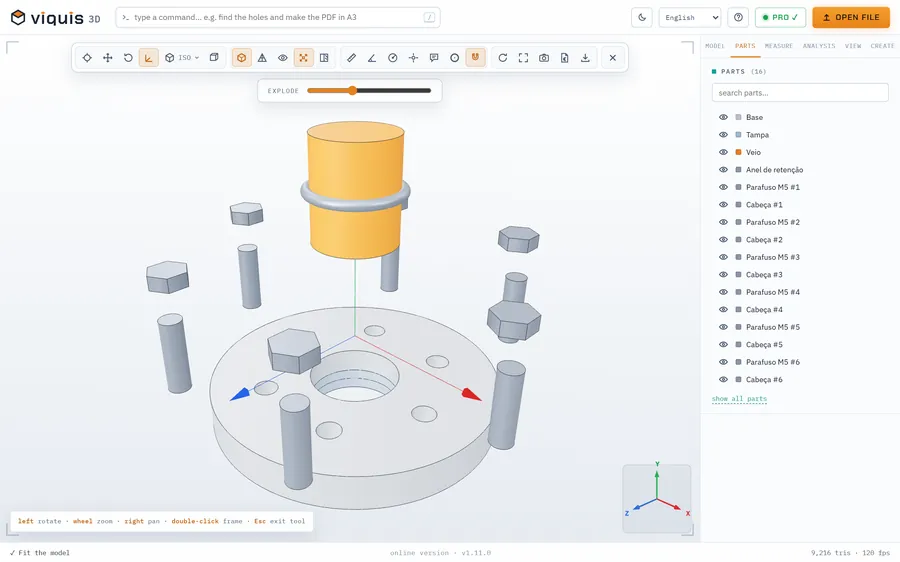
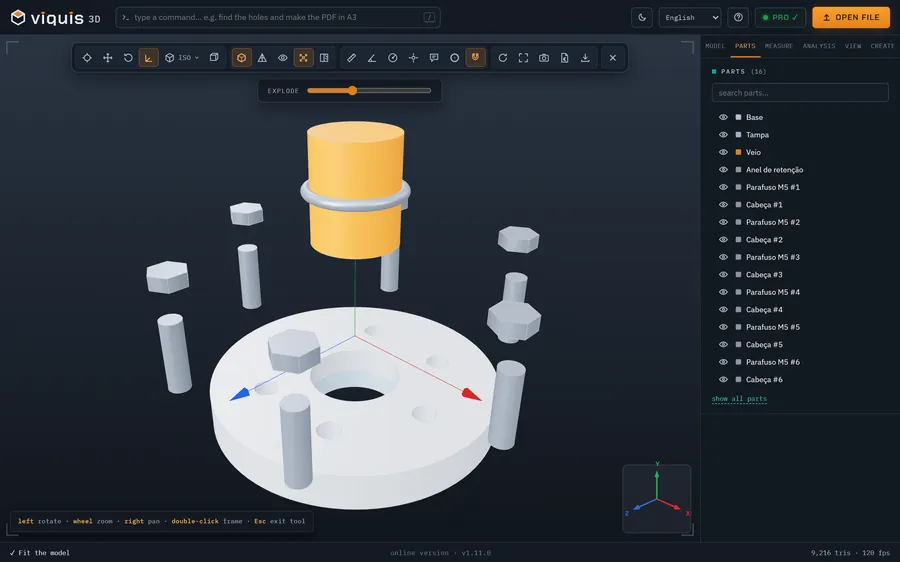
The app opens in its own tab with a sample assembly. Drop your file on top of it.
Opens in its own tab. Free; Pro is activated inside the app with your key.
More tools
STEP viewer
Open STEP and STP files in your browser, see the assembly parts and measure.
See the tool FreeSTL viewer
View STL, 3MF and OBJ files in 3D and measure them, with nothing to install.
See the tool FreeIGES viewer
Open IGES and IGS files in your browser, see the model in 3D and measure.
See the tool Free3MF viewer
Open 3MF files and Bambu Studio or OrcaSlicer projects in 3D and measure them.
See the tool